You're staring at three different money leaks at once. One person needs to kill forgotten subscriptions before they renew again. Another wants a repeatable way to shave down groceries, fuel, or checkout prices without babysitting every purchase. A third doesn't need another coupon feed at all, they need a system that keeps spending under control and turns savings into a habit.
The best apps to save money aren't interchangeable. Some are built for recurring-expense cleanup, some for spending control, some for purchase rewards, some for automated saving, and some for investing-adjacent cash movement. The right choice depends on the specific problem you're trying to solve, how much automation you want, what it costs, whether it works in your region, what accounts it needs, and whether the withdrawal rules make the benefit real.
An app only saves money when the value you recover is bigger than the fee, the setup effort, and the risk of making your finances more complicated.
Use that lens as you read. Check current pricing, supported banks, merchant coverage, and regional availability before connecting accounts. A tool that's excellent for one household can be pointless for another if the savings path doesn't match your habits.
Table of Contents
- 1. Compass+
- 2. Rocket Money
- 3. Monarch Money
- 4. YNAB
- 5. Copilot Money
- 6. Qapital
- 7. Oportun Set and Save
- 8. PayPal Honey
- 9. Capital One Shopping
- 10. Ibotta
- 11. Upside
- Top 11 Money‑Saving Apps Comparison
- Build a Simple Savings Stack That You Will Use
1. Compass+
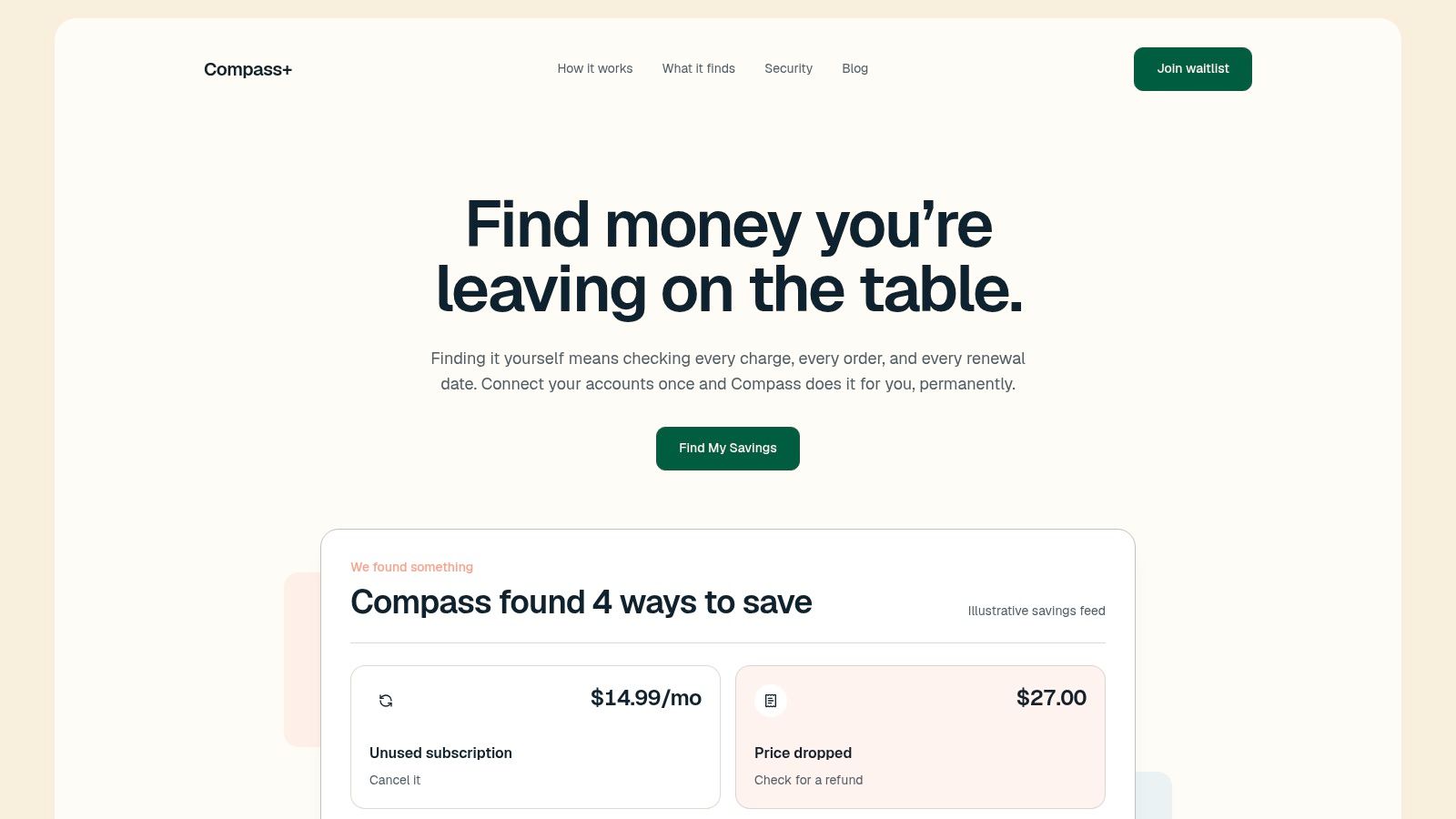
Compass+ is the most aggressive option here for finding money you've already lost or almost lost. It watches linked financial, email, calendar, and shopping accounts, then surfaces concrete actions such as refunds owed, price drops after purchase, late-delivery credits, duplicate charges, and subscriptions you barely use. Its value isn't just detection, it's that each alert comes with a suggested next step and an estimated amount, so you're not left guessing what to do with the finding.
Best for refund hunting and subscription cleanup
Compass+ fits the saving job many people ignore, recovering value from past purchases and recurring charges. It checks read-only bank data through Plaid, parses only money-relevant email, and looks across calendars and shopping orders to catch renewals, return windows, and delivery issues before they expire. That makes it more like a continuous money-recovery assistant than a conventional budgeting app, and that distinction matters if you keep missing the small wins that add up.
The current Compass+ experience is available by waitlist, and it's also embedded inside Gerald for U.S. users, so availability and access path matter before you count on it. Its read-only setup is a meaningful security guardrail because banking passwords aren't stored and the integration can view balances and transactions without moving money. The trade-off is obvious, though. You get monitoring and guidance, not a full spending-control system.
For this reason, Compass+ works best alongside a budget app rather than in place of one. If you're already using a tracker, Compass+ can handle the recovery layer while the other app handles day-to-day planning. That combination avoids duplicate subscriptions and gives you a cleaner split between prevention and recovery.
- Use it when: you miss refunds, forget trial end dates, or regularly pay for services you don't use.
- Skip it when: you mainly want budgeting categories or automatic transfers, because that isn't its core job.
- Watch closely: any tool that scans email and calendar data should be limited to the narrow permissions it needs.
2. Rocket Money
Rocket Money is a strong fit when the problem is subscription sprawl and bill bloat. It pulls spending, budgets, recurring charges, and net worth into one place, then layers on subscription tracking and cancellation help for people who want less manual cleanup. That makes it useful for the person who keeps finding random monthly charges and wants one place to see what's active.
Good for cleanup first, budgeting second
The app's real strength is that it combines visibility with action. You can spot recurring charges, set savings goals, and use automated transfers, but the feature people usually care about most is the cancellation workflow, because that's where dead subscriptions stop draining the account. If you've ever wanted a tool that does the tracking and the follow-through, this is the right category.
Rocket Money's value depends on the tier you pick and what you use. Some features, including cancellation concierge, sit behind Premium, so don't assume the free layer covers your main use case. It also offers optional bill negotiation, but outcomes vary by provider, which means any savings estimate should be treated as uncertain until you see the result.
It pairs well with a dedicated discount or cashback app. Rocket Money can reduce recurring waste, while a shopping or fuel app can reduce future spend. The two jobs are different, which is why they complement each other instead of overlapping. If you're trimming subscriptions and bills already, you'll get more from a tool like Rocket Money than from a generic coupon extender. For another angle on subscription savings, see the related SubSaver project, which is aimed at comparing shared plans.
3. Monarch Money
Monarch Money is for people who want to plan money as a household, not as a stream of isolated transactions. It unifies cash flow, budgets, investments, and goals in one configurable dashboard, which makes it especially useful for couples or families who need a shared view of what's happening. The ad-free positioning and privacy-conscious approach also make it a better fit for users who dislike ad-supported finance apps.
Better for forecasting than quick wins
Monarch isn't trying to find a forgotten coupon or negotiate a single bill. It's built for long-range decision-making, which is why it suits the person who wants to see where money is going before the month gets messy. The shared access model is a practical advantage when two people make spending decisions together, because both can work from the same plan instead of reconciling screenshots and spreadsheets.
That said, Monarch is a paid product without a permanent free tier, so it only makes sense if the planning value is real enough to justify the subscription. If you mostly want to see balances and category totals, a cheaper tracker may do the job. If you want forecasting, shared visibility, and a cleaner interface, the premium model is easier to defend.
Monarch is strongest when it sits at the center of a savings stack. Use it to decide what should happen, then pair it with an automated saver or a purchase-savings app to carry out the plan. That keeps the software from becoming decorative. A planner that never changes behavior is just a nicer dashboard.

4. YNAB
YNAB is built for people who need a budget method, not just a spending feed. Its zero-based, envelope-style system assigns every dollar a job, which helps when the problem is behavior rather than information. If money keeps sitting in one vague checking balance, that structure makes overspending harder to ignore.
For habit change, not just visibility
The app's value is discipline. Live syncing keeps the budget current across devices, and goal categories plus loan tools connect day-to-day decisions to actual obligations. That makes the budget feel like an active plan instead of a monthly summary.
YNAB Together matters for households because one subscription can be shared with up to five others. That can make the cost easier to justify when several people need the same rules and the same categories. The trade-off is the learning curve. Users who want instant categorization and a polished dashboard may find the method restrictive at first.
The app works best when the goal is durable behavior change. It prevents the next leak by forcing a decision before money is spent, which makes it a poor match for rebate chasing and a strong partner for a separate cashback tool. If the issue is impulse spending, category drift, or money with no purpose, that discipline can matter more than a checkout discount.
The test: if your budget currently lives in a vague checking balance, YNAB's envelope method is the fix.
5. Copilot Money
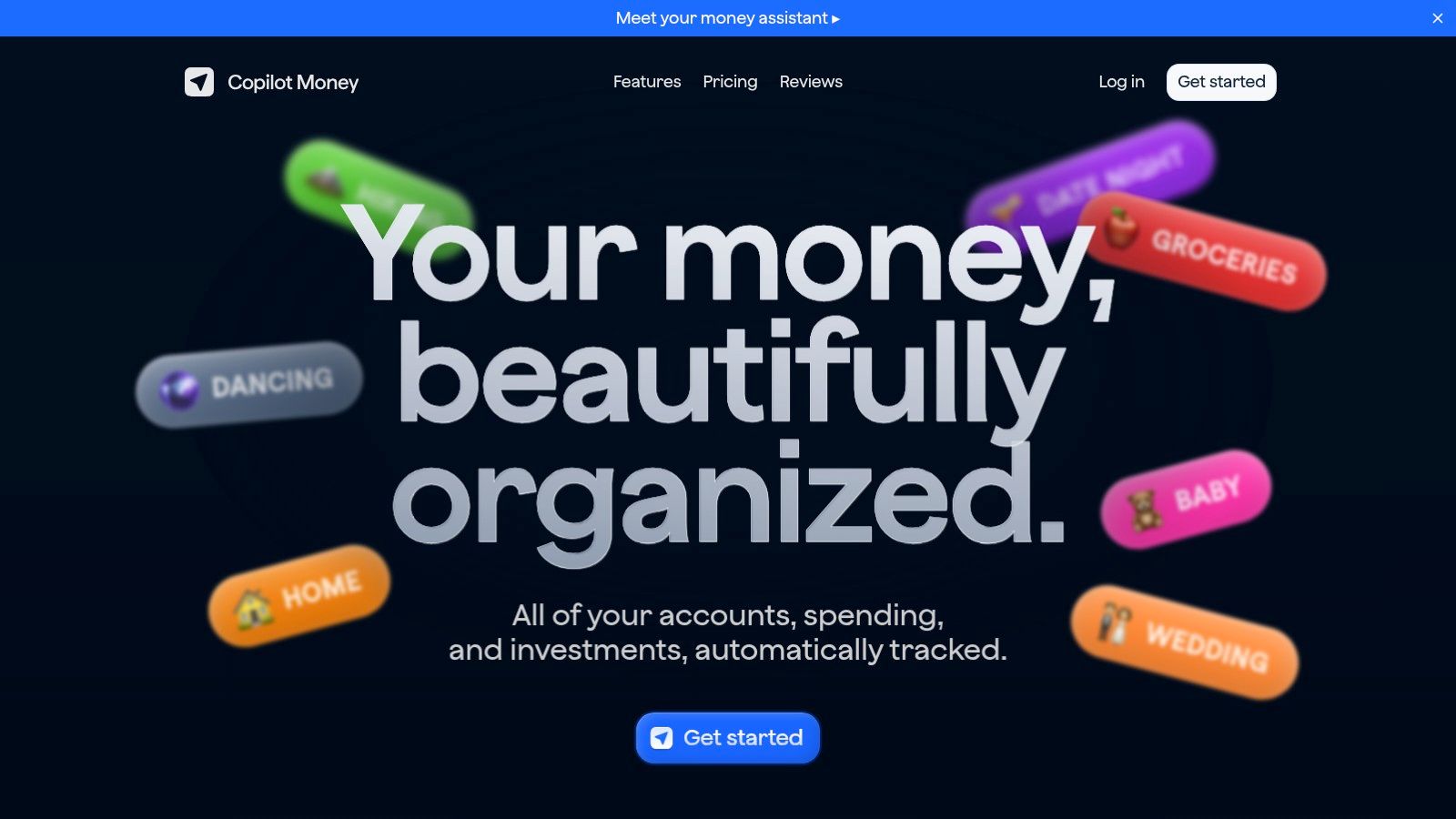
Copilot Money is the polished option for people who want fast, modern tracking without clutter. It uses AI-assisted categorization, subscription tracking, budget views, investment tracking, and net worth reporting in a UI that feels more like a premium consumer app than an accounting tool. If you're the kind of person who abandons a finance app because it feels slow or ugly, that matters.
Best for low-friction tracking
Copilot's value is that it reduces upkeep. The cleaner the categorization, the less often you have to fix transactions, and the more likely you are to keep using the app long enough for it to matter. The web app plus Apple device support also gives it more flexibility than mobile-only tools, especially if you like checking finances from a laptop.
It's not the cheapest choice, and there's no permanent free plan, so this is a quality-of-life purchase more than a bargain bin option. That can still be worth it if the alternative is abandoning the app after two weeks. A finance tool that's used consistently beats a cheaper one that gets ignored.
Copilot is a good middle point between bare-bones tracking and full-budget rigidity. It doesn't push you into a strict method the way YNAB does, but it gives more structure than simple balance viewers. For people who want to keep tabs on subscriptions, cash flow, and investments in one place without extra friction, it's a clean fit.
6. Qapital
Qapital solves a different saving problem. It's for people who don't need more budgeting detail, they need automatic money movement that happens before they can spend the cash. Its rules-based approach lets you automate savings through round-ups, paycheck skims, and custom triggers, which makes it useful if manual transfers never happen.
Good for people who need frictionless saving
The strongest argument for Qapital is consistency. Small, repeated transfers are easy to ignore individually, but they can become a real savings habit when the automation is simple and the goals are clear. Unlimited savings goals and shared Dream Team goals give it enough flexibility for solo users and households that want separate targets.
Qapital also offers optional investing portfolios and a debit card on higher tiers, but those extras shouldn't drive the decision unless you'll really use them. The core question is whether automated savings rules beat your old habit of not saving at all. If they do, the membership fee is easier to justify. If they don't, you may just be paying for a prettier transfer system.
This is a classic example of a tool that saves money by removing decision fatigue. It works best for people who are already under pressure from inconsistent cash flow and need savings to happen in the background. If you want control more than automation, another app will suit you better.
7. Oportun Set and Save
Oportun's Set & Save, formerly Digit, is designed for the person who never gets around to saving manually. It analyzes cash flow and moves small amounts into savings goals automatically, which makes it a lightweight option for building a reserve without constant attention. If you want a simple “set it and let it work” tool, this is one of the clearest examples.
Hands-off saving with a clearer path back
The main strength here is automation paired with relatively simple withdrawals. Money can move back to checking in about one to five business days, so it isn't trapped in a savings silo when you need it. That matters because some automated saving products make the withdrawal experience so awkward that users stop trusting them.
The trade-off is membership cost after the trial period. If the balances are small, a monthly fee can eat into the benefit quickly. This is why Oportun works best for users who value consistency over micromanagement and who won't constantly raid the savings account for everyday spending.
Use it when the goal is to build a buffer without relying on willpower. Don't use it as a replacement for budgeting if you already need tighter spending control. It's a savings mover, not a full money-management system.
Short version: if saving only happens when software does it for you, Oportun is the right kind of automation.
8. PayPal Honey
PayPal Honey fits the checkout stage of online shopping. It runs as a browser extension and app, tests coupon codes, tracks prices through Droplist, compares Amazon sellers, and can earn PayPal Rewards on eligible purchases. For people who buy online often, those features target the part of the routine where small savings are easiest to miss.
Best for checkout-time coupon testing
Honey's main value is speed. Instead of searching for codes yourself, you let it test them at checkout, which reduces the friction of last-minute savings decisions. Price tracking adds a second use case, since you can wait for a drop instead of buying at the first listed price. That makes it useful for shoppers who want a simple checkout habit, not a separate research workflow.
The limits are tied to tracking and eligibility. Some merchants track cleanly, others do not, and rewards can change without notice. Treat Honey's rewards as probabilistic: some merchants track, some do not, and eligibility can change without notice.
It works best as one part of a savings stack, not the whole stack. Use a budget app for spending control and Honey for checkout discounts, so you do not duplicate subscriptions or confuse cashback with a stronger budget. If you already use PayPal heavily, the rewards integration may fit your routine, and a complementary checkout-side tool is the Checkout Saver project.
9. Capital One Shopping
Capital One Shopping does a similar job to Honey, but its angle is price comparison, promo code testing, and rewards that redeem for gift cards. It works as a browser extension and mobile app, and it doesn't require a Capital One card. That makes it a straightforward option for people who want to avoid overpaying online without signing up for a new financial product.
Useful when comparison shopping is your habit
This is the app for shoppers who want a second layer of price checking. It can surface lower prices, test coupon codes, and earn shopping rewards, which makes it especially relevant when you buy from a wide range of online retailers. Amazon-focused comparisons are part of the appeal, since many people default there without checking alternatives.
The limitation is the reward structure. Redemptions are for gift cards, not cash, and some purchases may be excluded because affiliate tracking and merchant rules vary. That means it helps you save, but not always in the most flexible form. If you want direct cash-like value, another app may be a better fit.
It's also the kind of tool that can overlap with Honey if you install both without a plan. That's not always a problem, but it can become redundant if you're paying attention to the same coupons through two different layers. Pick the one that fits your checkout habits better, then measure whether it changes your receipts.
For price-drop tracking, a related Price Drop Notifications project is worth reviewing if your goal is to catch cheaper replacements rather than just use coupon codes.
10. Ibotta
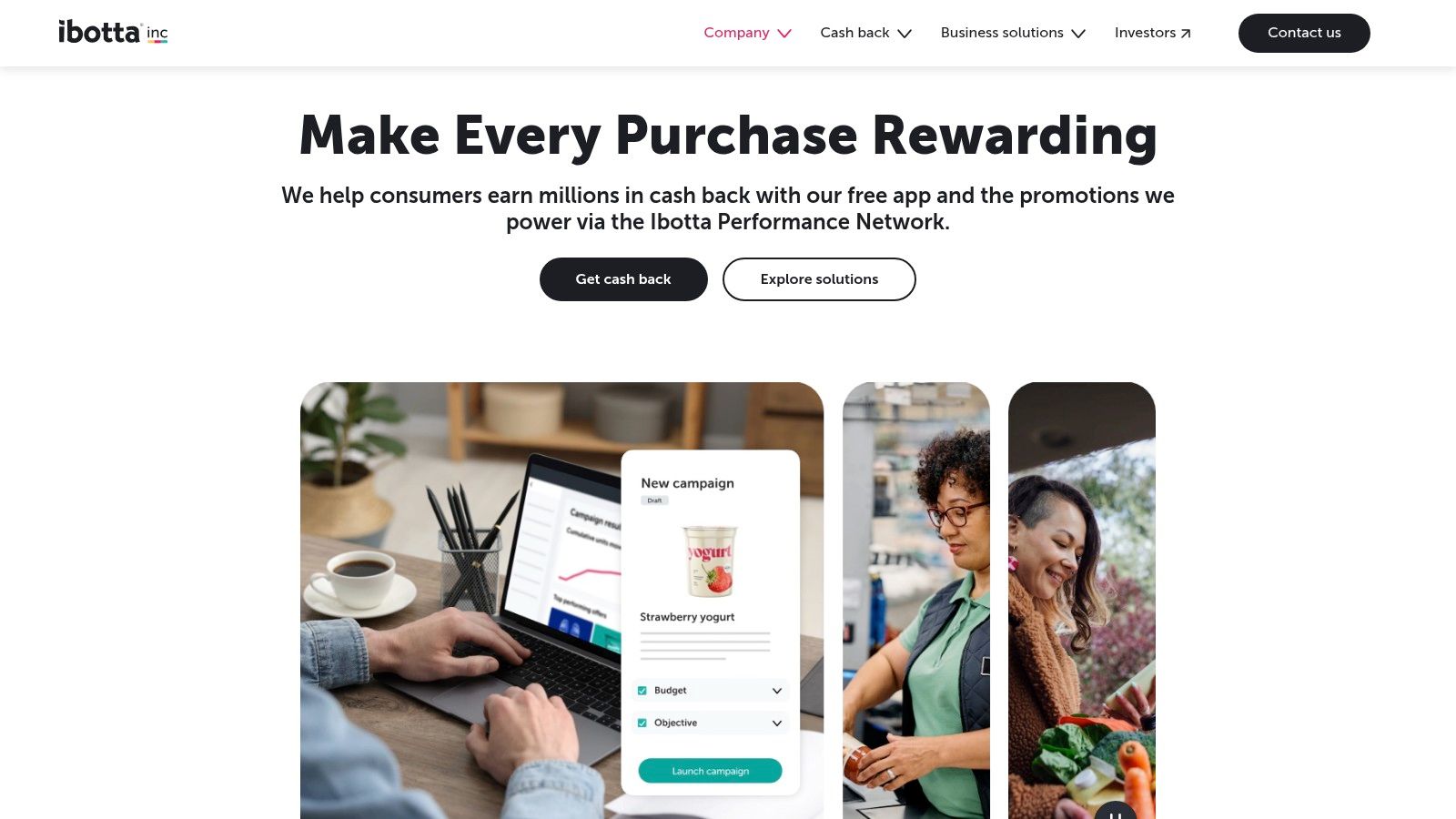
Ibotta is a strong choice for people who buy groceries regularly and want cash back without changing stores every time. It works through in-store receipt scanning, linked-account support, eReceipts, a browser extension, and online offers, so it covers both physical and digital shopping. The appeal is simple, you can get value from purchases you were already going to make.
Best for grocery and brand-specific offers
Ibotta's practical value comes from breadth. The app has a wide retailer network, brand offers, bonuses, and multiple withdrawal options once you qualify. That makes it one of the more flexible cashback systems for everyday household spending, especially if grocery bills are a major part of the budget.
The main constraint is payout friction. You need to reach a minimum balance and meet the redemption rules before you can withdraw to bank, and offer availability changes often. In other words, it works best for organized users who are willing to add offers before shopping and keep receipts or account links in order.
Ibotta should be seen as spend-offsetting, not budget repair. It can lower the effective cost of groceries and online orders, but it won't fix overspending on its own. If you're already disciplined, it gives you a meaningful extra layer of savings. If you're not, it can become another app full of unredeemed offers.
11. Upside
Upside fits a specific routine. It gives cash-back-style savings on fuel, dining, and some grocery purchases through a partner network, so the app works best for people who make the same kinds of stops every week.
Best for fuel and regular on-the-go spending
The practical value is in repetition. If you buy gas often or eat out on a schedule, the savings can add up without changing your habits much. Upside can also work alongside some credit-card rewards and loyalty programs, which matters only if the same purchase can earn value more than once.
Coverage is uneven. A strong result in one city can turn into weak or empty offers in another, so local partner density matters more than the app's pitch. Terms and payout methods can also change, so current rules should be checked before a routine depends on them.
That makes Upside a situational tool. Drivers, commuters, and frequent diners are the clearest fit, especially when the local network is active. People who rarely buy fuel, or who see thin coverage nearby, may not get enough back to justify the extra check-ins.
Check partner coverage in your area before building a routine around Upside, because thin local offers are the most common reason people stop using it.
Top 11 Money‑Saving Apps Comparison
| Product | Core focus | ✨ Standout / USP | 👥 Best for | 💰 Price / Value | ★ Quality |
|---|---|---|---|---|---|
| Compass+ | Proactive savings agent (accounts, email, calendar) | ✨ Cross-account detection + concrete next steps | 👥 Users who want automated refund/credit recovery | 💰 Waitlist / embedded (Gerald); US-focused | ★★★★☆ |
| Rocket Money | Subscription & bill management + savings | ✨ Cancellation concierge + optional bill negotiation | 👥 Subscription cleanup seekers | 💰 Free + Premium (pay‑what‑you‑think) / Premium+ | ★★★★☆ |
| Monarch Money | Long‑term planning & forecasting | ✨ Deep dashboards, partner sharing, ad‑free privacy | 👥 Couples/households & goal planners | 💰 Paid (trial only), premium value for planners | ★★★★☆ |
| YNAB | Zero‑based, envelope budgeting | ✨ Behavior‑changing methodology + family sharing | 👥 Disciplined budgeters & households | 💰 Subscription (paid), strong ROI for habit builders | ★★★★★ |
| Copilot Money | AI‑assisted tracking & categorization | ✨ Polished UI + multi‑platform (web, Apple) | 👥 Design‑/automation‑focused users | 💰 Paid after trial, premium product | ★★★★☆ |
| Qapital | Rule‑based automated savings | ✨ Flexible rules (round‑ups, paycheck skim) | 👥 Set‑and‑forget savers | 💰 Membership tiers; 30‑day trial | ★★★★☆ |
| Oportun (Set & Save) | Automated micro‑savings based on cash flow | ✨ Hands‑off smoothing of savings transfers | 👥 Users who “never get around to saving” | 💰 Monthly fee after trial | ★★★☆☆ |
| PayPal Honey | Coupon auto‑apply & price tracking | ✨ Droplist price alerts + PayPal Rewards | 👥 Casual online shoppers wanting low effort savings | 💰 Free | ★★★★☆ |
| Capital One Shopping | Price comparison + coupon testing | ✨ Wide retailer coverage + Shopping Rewards | 👥 Bargain hunters across many stores | 💰 Free | ★★★★☆ |
| Ibotta | Grocery & online cash back | ✨ Receipt scanning + multiple withdrawal options | 👥 Grocery shoppers & frequent deal users | 💰 Free (min withdrawal rules) | ★★★★☆ |
| Upside | Cash back for fuel, dining, groceries | ✨ Stackable offers with cards & loyalty | 👥 Drivers & casual diners | 💰 Free app (offer‑dependent rewards) | ★★★☆☆ |
Build a Simple Savings Stack That You Will Use
The smartest way to use apps to save money is to assign each app a single job. If you want deliberate planning, choose YNAB or Monarch Money. If you want a polished tracker without much friction, Copilot Money is the cleaner fit. If your biggest leak is recurring charges and bill waste, Rocket Money is the most direct cleanup tool in this list. If your savings problem is that money never moves out of checking, Qapital or Oportun Set & Save can automate the behavior you keep postponing.
For purchase-based savings, match the app to the type of spending you do. PayPal Honey and Capital One Shopping are better for online checkout and price comparison. Ibotta is stronger for grocery and receipt-driven cashback. Upside is most useful for fuel, dining, and routine on-the-go purchases. Using all four at once usually isn't necessary, and it can create clutter if you end up checking the same purchase in multiple places.
The best stack is usually one planner, one automation tool, and one purchase-savings tool. That might mean YNAB plus Oportun plus Ibotta. Or Monarch plus Rocket Money plus Upside. The point is not to hoard apps. The point is to cover different savings jobs without paying twice for overlapping features. If one app already handles subscriptions, another subscription-canceling product may be redundant unless it clearly saves more than it costs.
Be strict about overlap. A cashback extension that only nudges gift cards may not be worth keeping if another tool already catches your main merchants. A premium budgeting app and a premium tracking app can both be useful, but only if each one pulls its weight. If you can't point to a specific outcome, like fewer subscription renewals, lower grocery bills, or a higher savings balance, the app is probably just adding noise.
Use this setup sequence so the tools stay useful instead of becoming another pile of logins. First, define one measurable goal, like cutting recurring charges, saving a fixed amount each month, or recovering credits on purchases you've already made. Then connect only the accounts you need, because broader access should be justified by a clear benefit. Review permissions and security controls, confirm regional and merchant eligibility, test a small transfer or redemption, write down fees and withdrawal rules, and schedule a monthly review.
That monthly review matters more than you'd think. Savings apps work best when they're part of a small routine, not a one-time download spree. If you check whether the app changed your balance, canceled a charge, or reduced a routine purchase, you'll know whether to keep it, downgrade it, or delete it.
Aura++ is a launch platform, not a personal-finance app, so it isn't a natural fit for this roundup. That's the broader lesson here, product selection should follow the user's actual problem, not the tool's general visibility or feature list. If you want to save money, start with one app that matches your biggest leak, establish a baseline, and add a second app only when the extra savings are visible on your statements.